1 min read
- Workflow
- Release
Import a whole lot from one CSV file
Bring up to 1,000 vehicles in at once. Every row is checked with the same rules as the form, and each car waits in the list until its photos arrive.
Workflow
Bring in hundreds of vehicles from one CSV file, add photos when you have them, and approve each car before its images leave Itidem.
Import vehicles from a CSV file, add their photos, approve what ships, and download the set.

Up to 1,000 vehicles per file, checked row by row with the same rules as the form. An unknown column refuses the file, so a typo never silently drops a field. Imported vehicles wait in the list as “Photos needed”.
Search by plate, make or model, filter by status, and page through the lot. The list is searched and paged on the server, so it stays quick at hundreds of vehicles.
A vehicle whose angles all passed is Ready to approve. Only a person on your account approves it, and Itidem keeps who and when. An approved vehicle downloads as one JPEG per angle, or every angle in one ZIP.
Starting a vehicle holds one credit per angle you asked for. Each delivered angle is charged; an angle that did not make it gives its credit back. The balance is in the sidebar, and its full history is on the Account page.
Every job and upload carries your account. Other accounts never see it.
Everyone on the account works from the same list.
See where you are signed in, and sign out of any of them.
A slow or failing render service shows a plain message, not a blank page.
Yes. Import up to 1,000 vehicles from one CSV file. Every row is checked with the same rules as the form, and each vehicle waits as “Photos needed” until you start it.
Only people on your account, and only after someone approved the vehicle. An approved vehicle downloads as one JPEG per angle, or every angle in one ZIP.
Yes, everyone on an account works from the same vehicle list. Invites by email are not built yet, so ask us and we add them by hand.
No. Every job and upload carries your account, lists are filtered on it, and another account asking for your job, image or cancel gets “not found”.
Checkout is not built yet. Choose a bundle on the pricing page and write to us through the contact page; we add the credits to your account by hand.
One credit is one delivered angle, whichever part of Itidem it runs through.
€149
€1.49 a credit
Choose 100€595
€1.19 a credit
Choose 500€1,990
€0.995 a credit
Choose 2,000Bring up to 1,000 vehicles in at once. Every row is checked with the same rules as the form, and each car waits in the list until its photos arrive.

The Account page lists every live session with its device and last use. Change your password, and every other session ends.
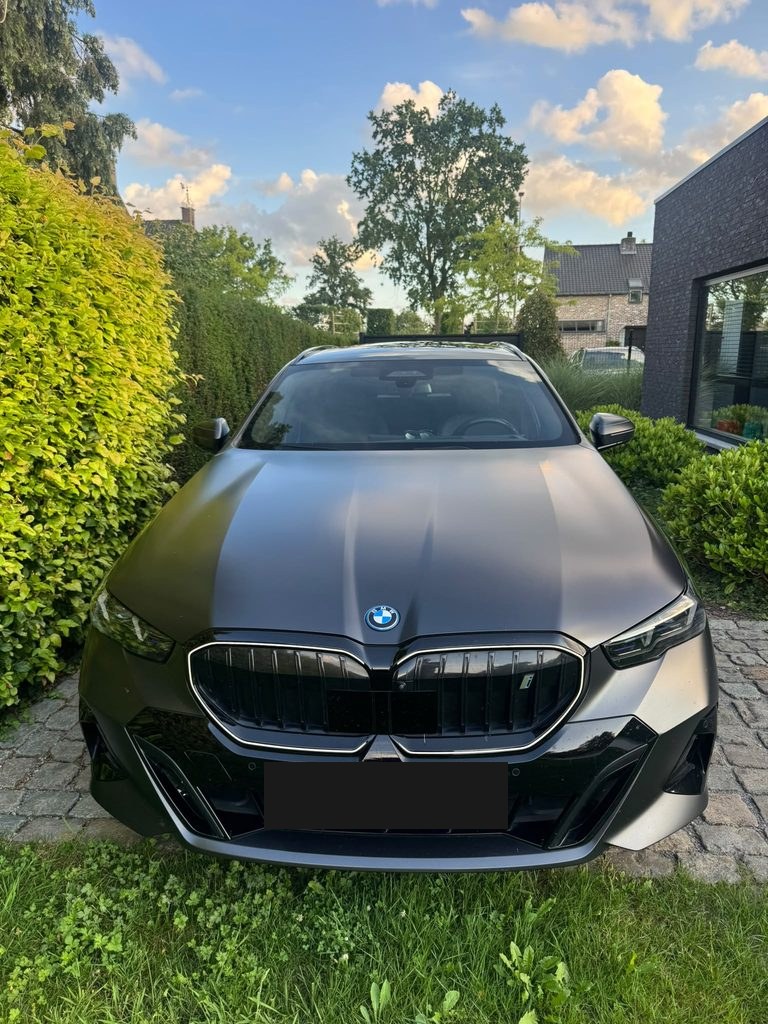
The columns the import reads, the limits it checks, and what happens to each row.